Watch trailer

ENVIRONMENT

Quentin Mabille

Quentin Mabille

Quentin Mabille

$256

BUY NOW

BUY NOW

BUY NOW

Spectator Tickets

See FAQ for details about Spectators and Feedback Tiers (bottom of the page)

Sign up ends in 23d : 05h : 57m : 56s

Watch trailer

live class

/

ENVIRONMENT

/

Quentin Mabille

What you will GET

WHAT IS A LIVE CLASS?

When: Thursdays at 6 PM Paris time (Starting Feb 19th) Duration: 3 hours/sessions.

Join as a Spectator to follow along and connect with the class, or choose a Feedback ticket for personal reviews of your work every week.

Edited replays of the whole class included in the tickets. Lifetime Access!

Course Overview

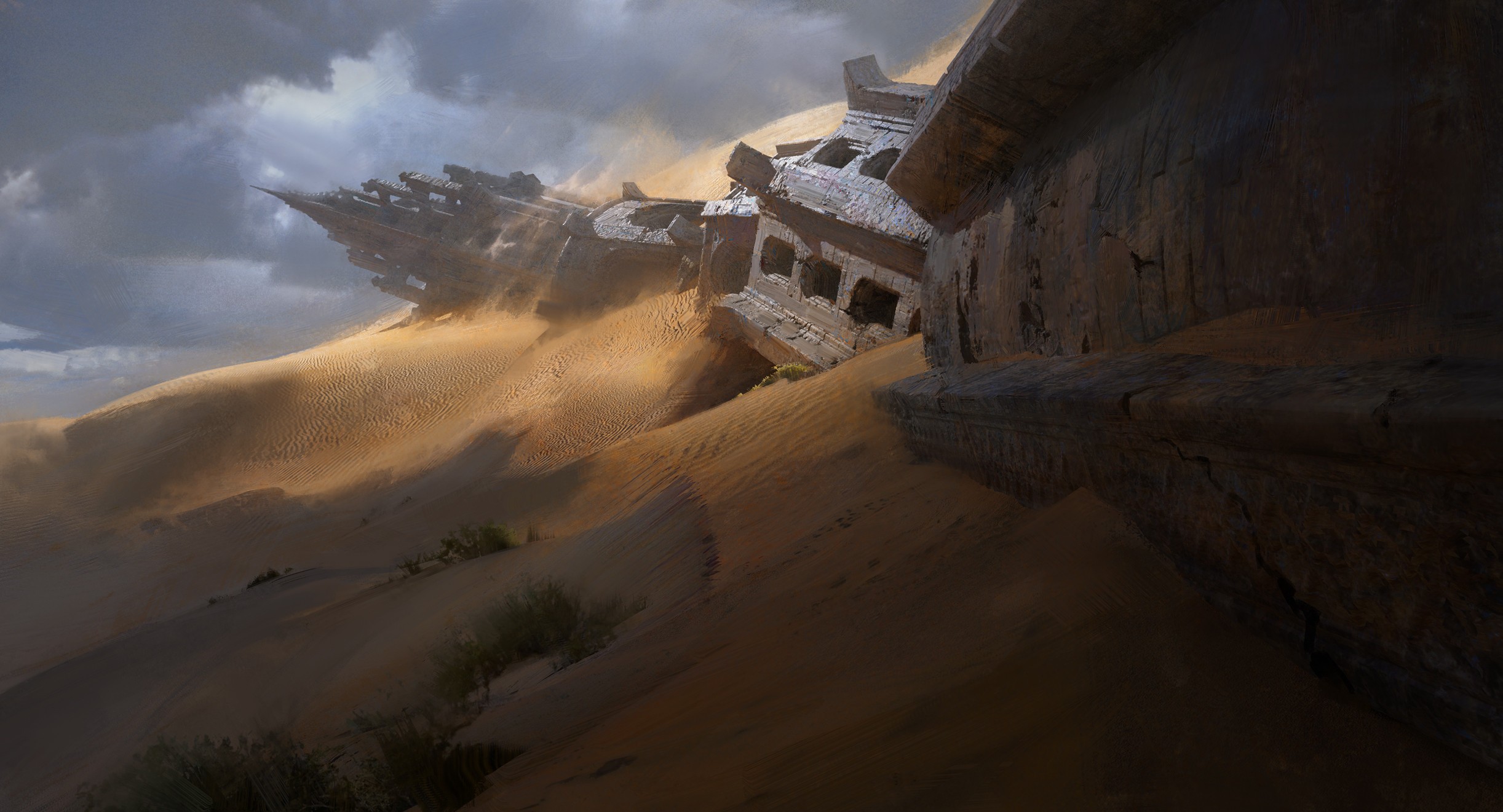
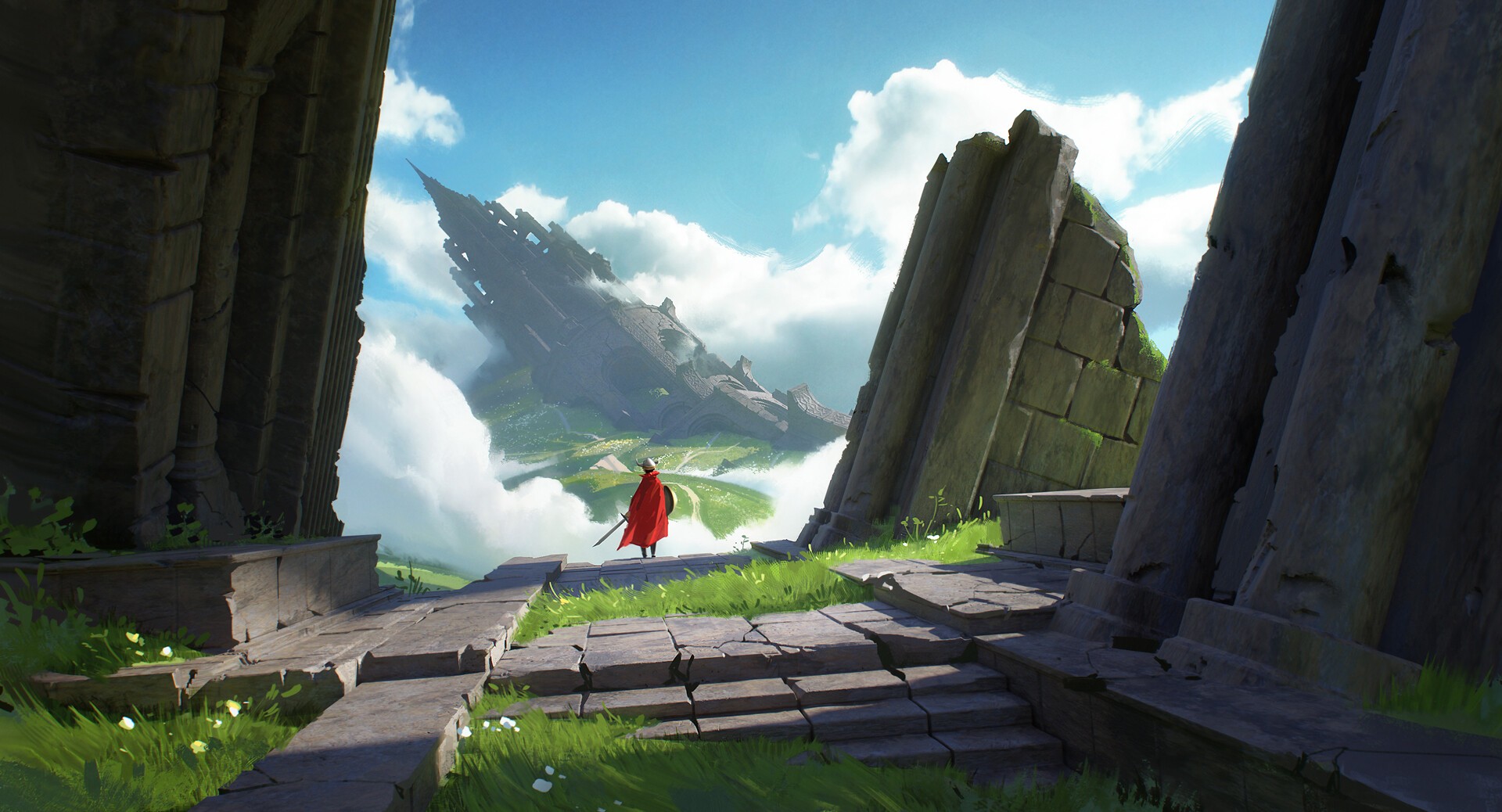
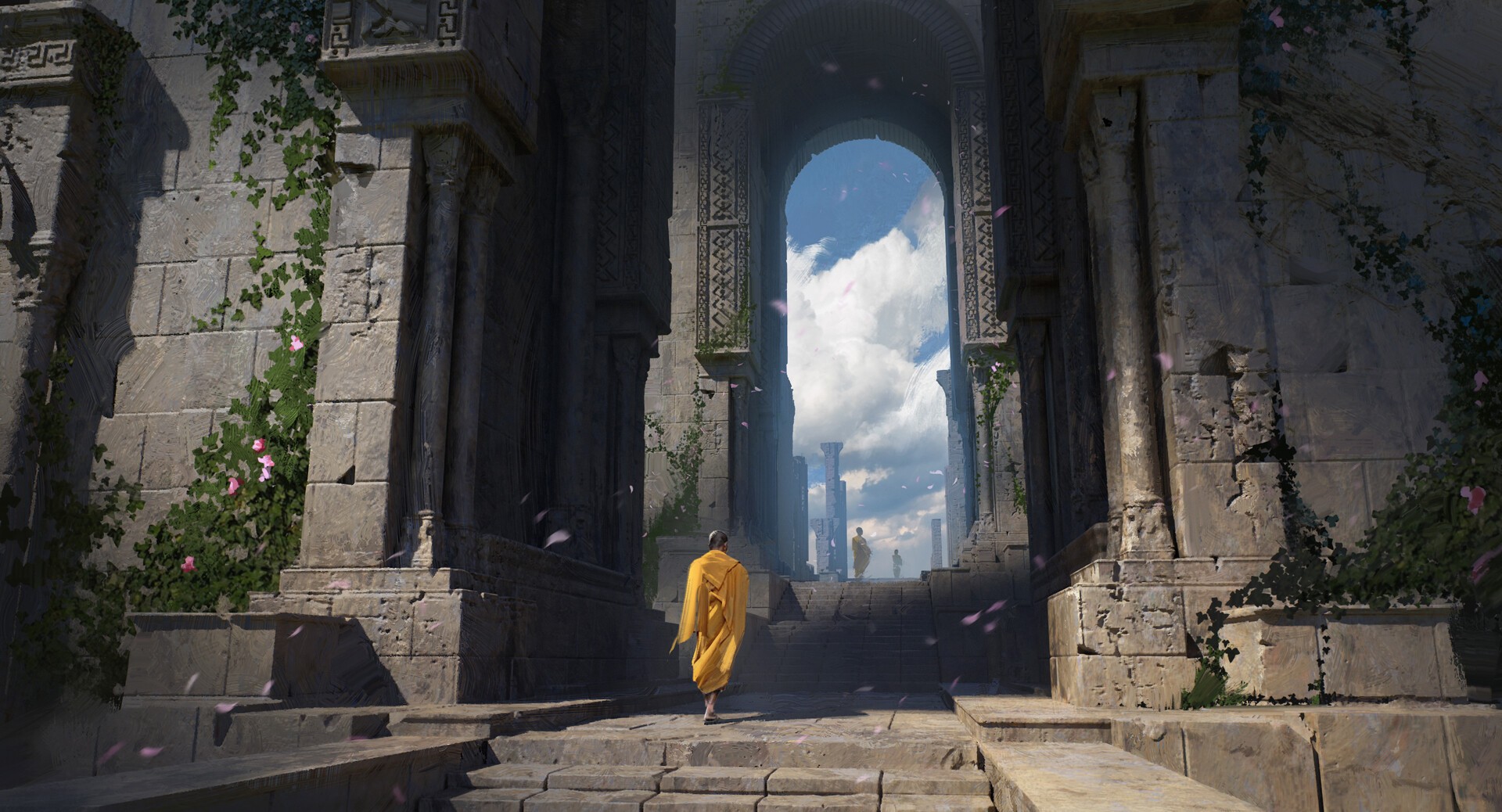
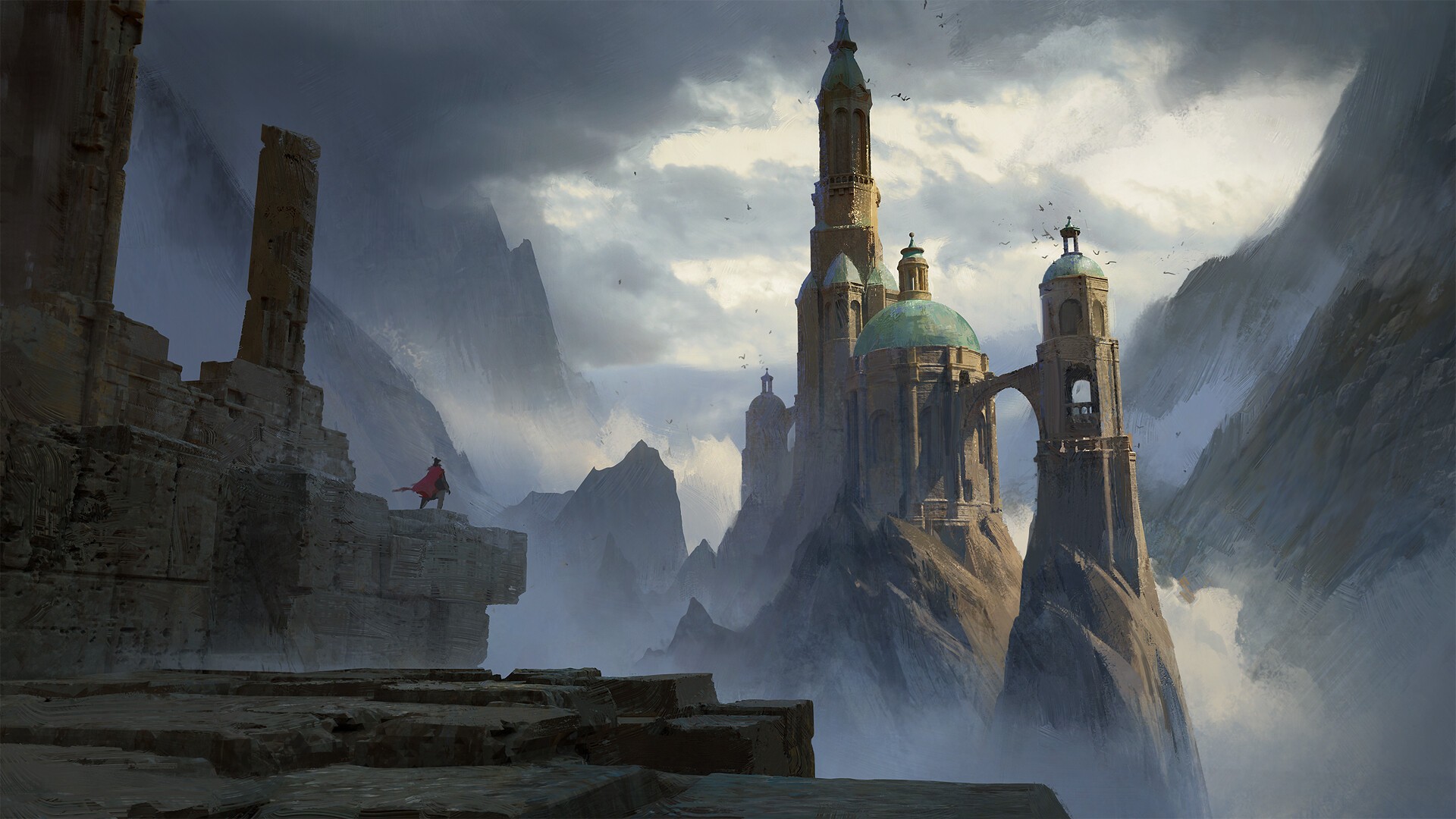
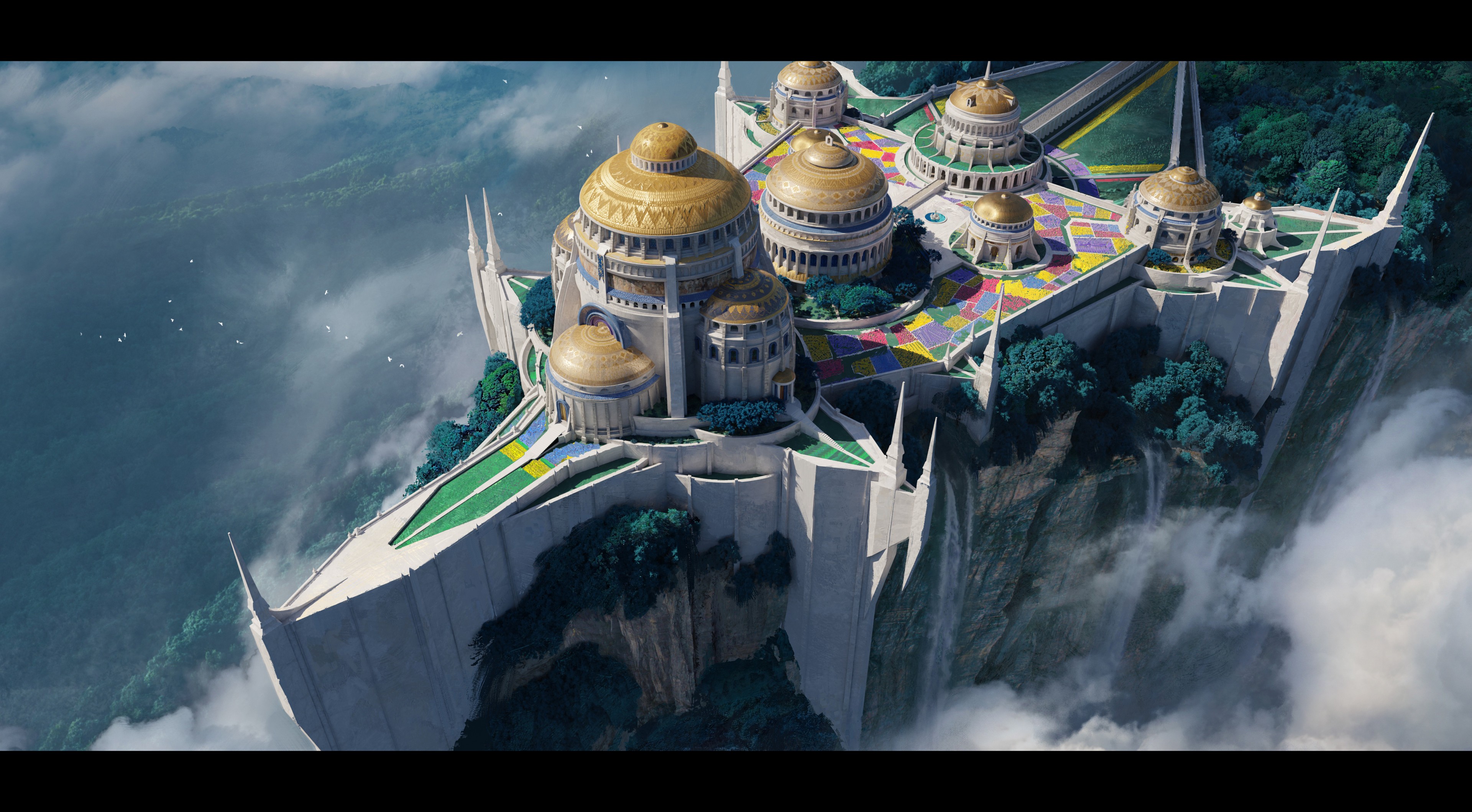
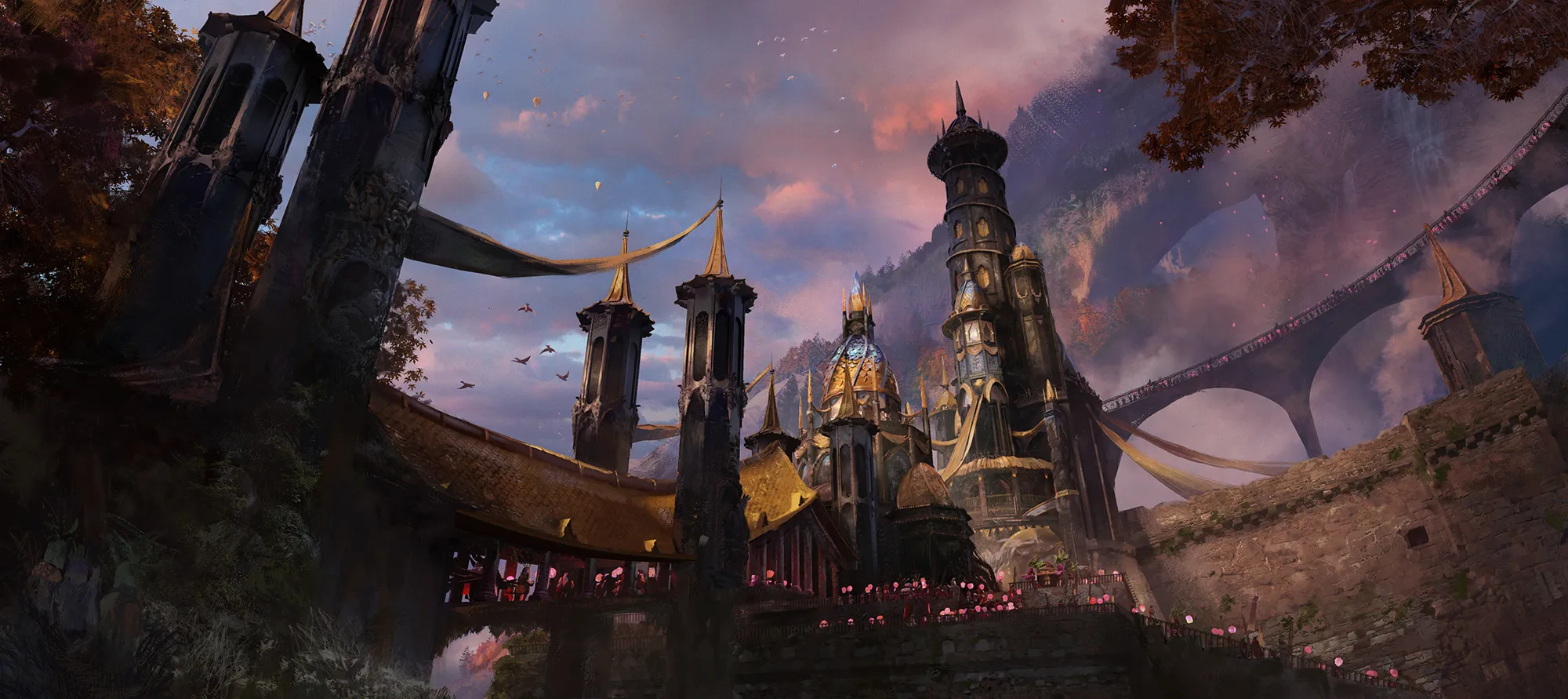
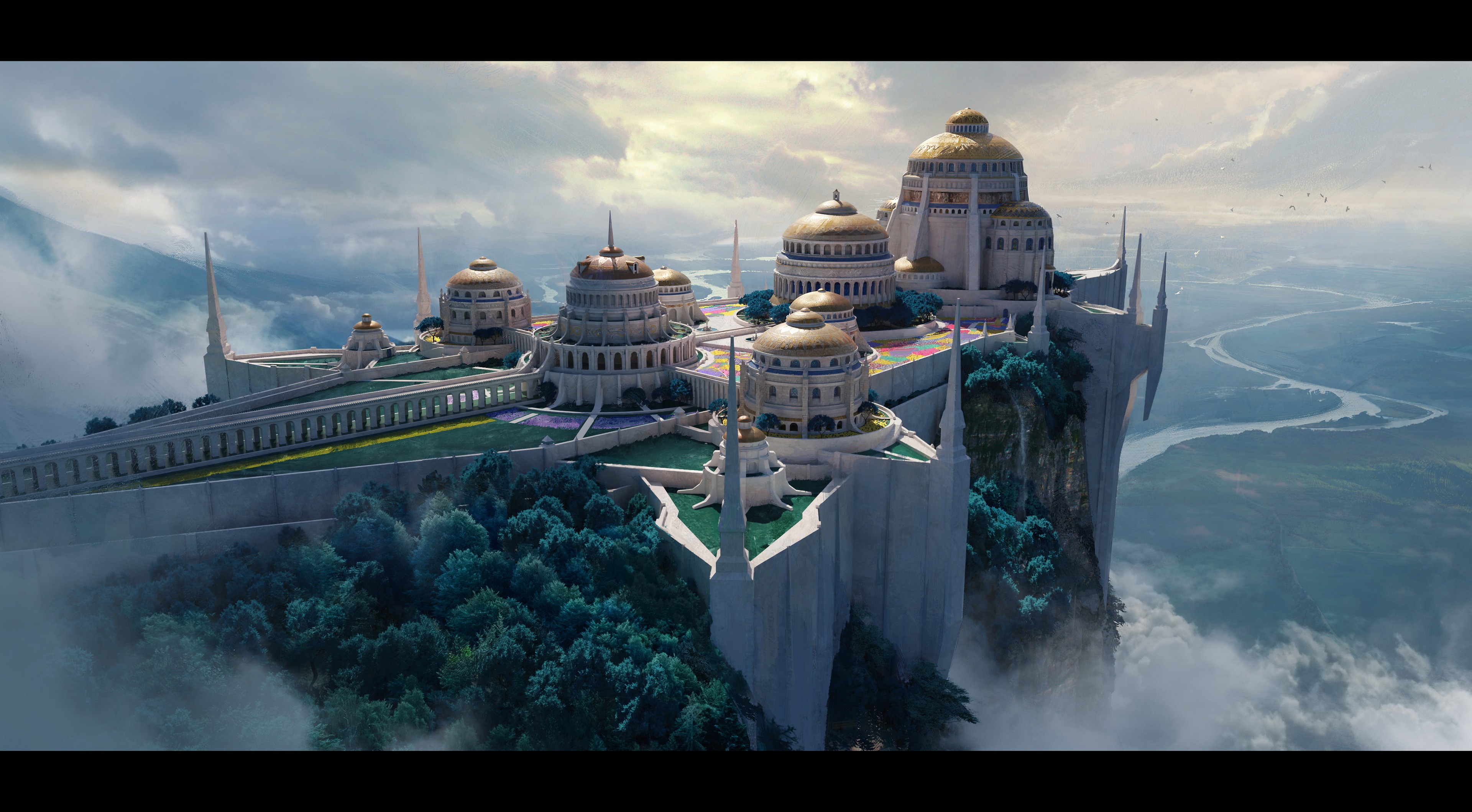
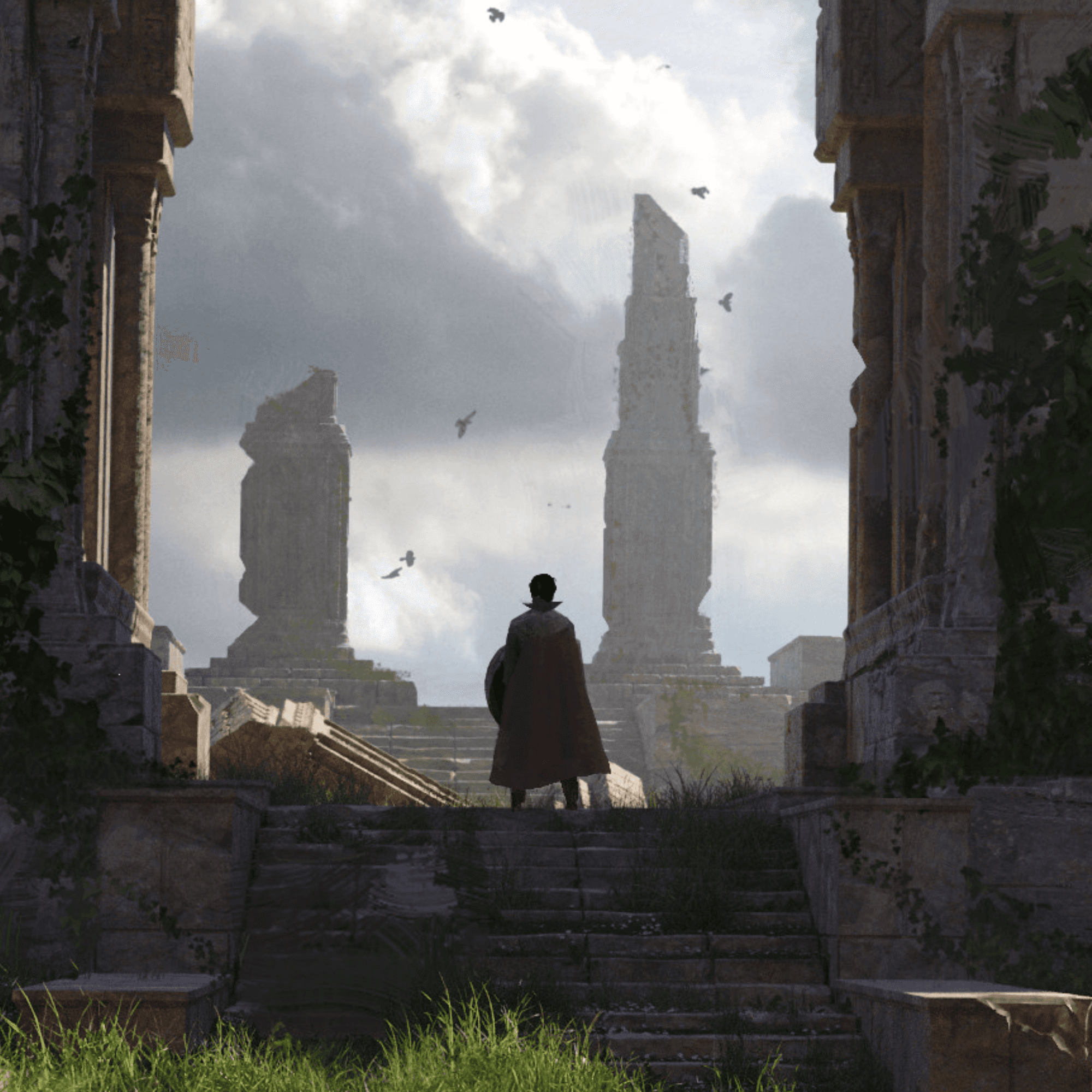
Many environment concept artists struggle to capture large scale environments or get lost in small details not seeing the bigger picture. In this course, Quentin Mabille teaches you to think in Monumental Proportions, focusing on rhythm and atmosphere to build worlds that feel ancient, vast, and alive.

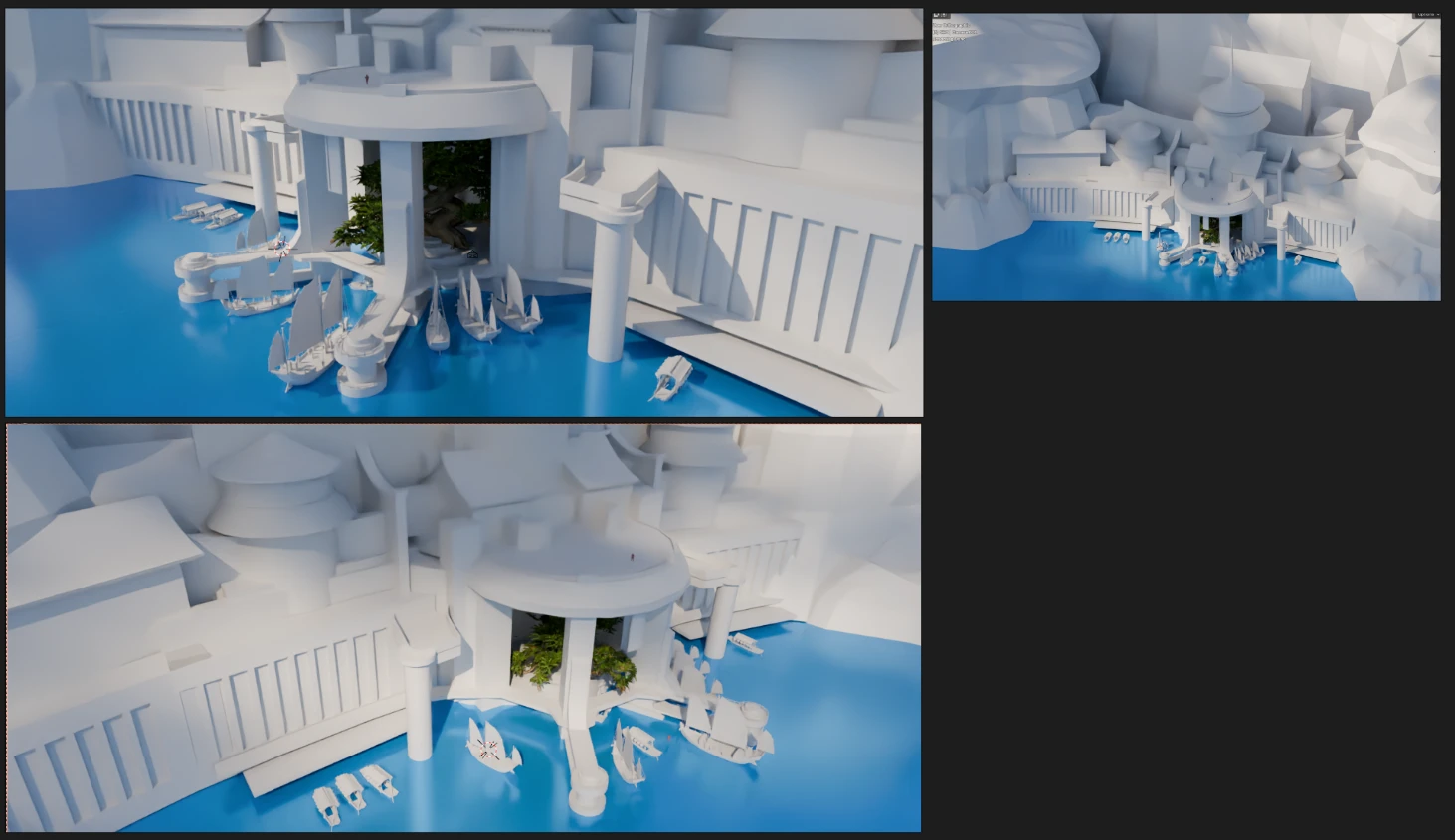
This is a masterclass for cinematic environment design. You will learn to bridge the gap between 3D precision and 2D artistry, using 3D modeling to establish a solid architectural foundation before moving into the subtle art of rendering. It’s about using tools not just to build, but to compose.

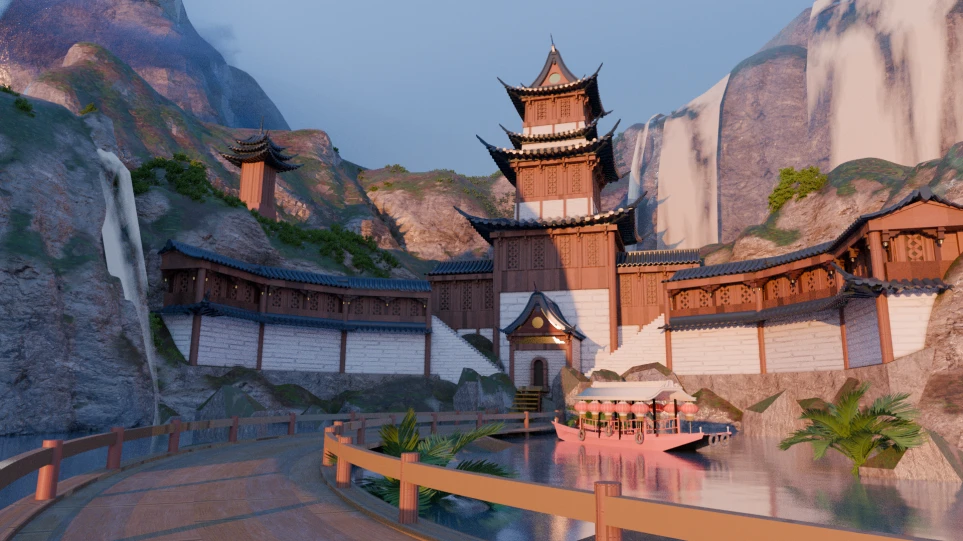
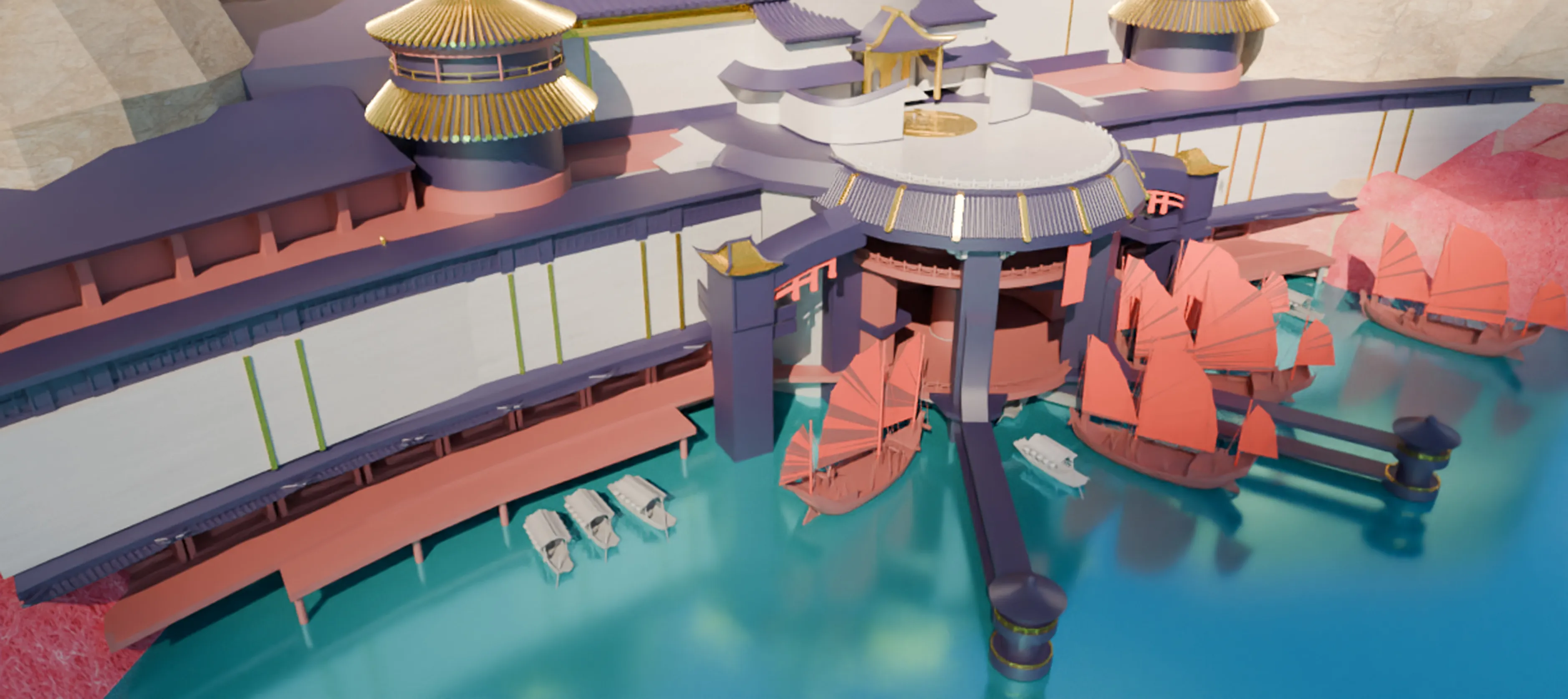
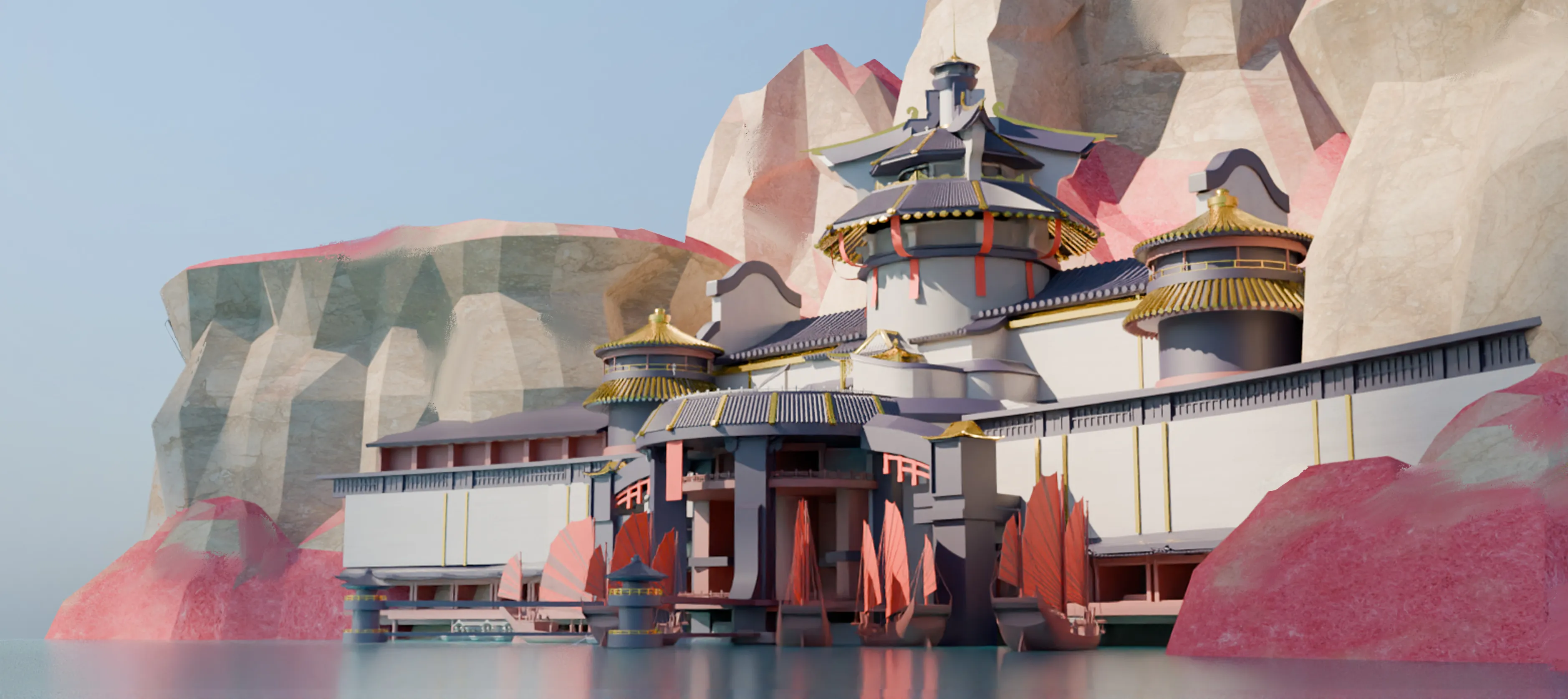
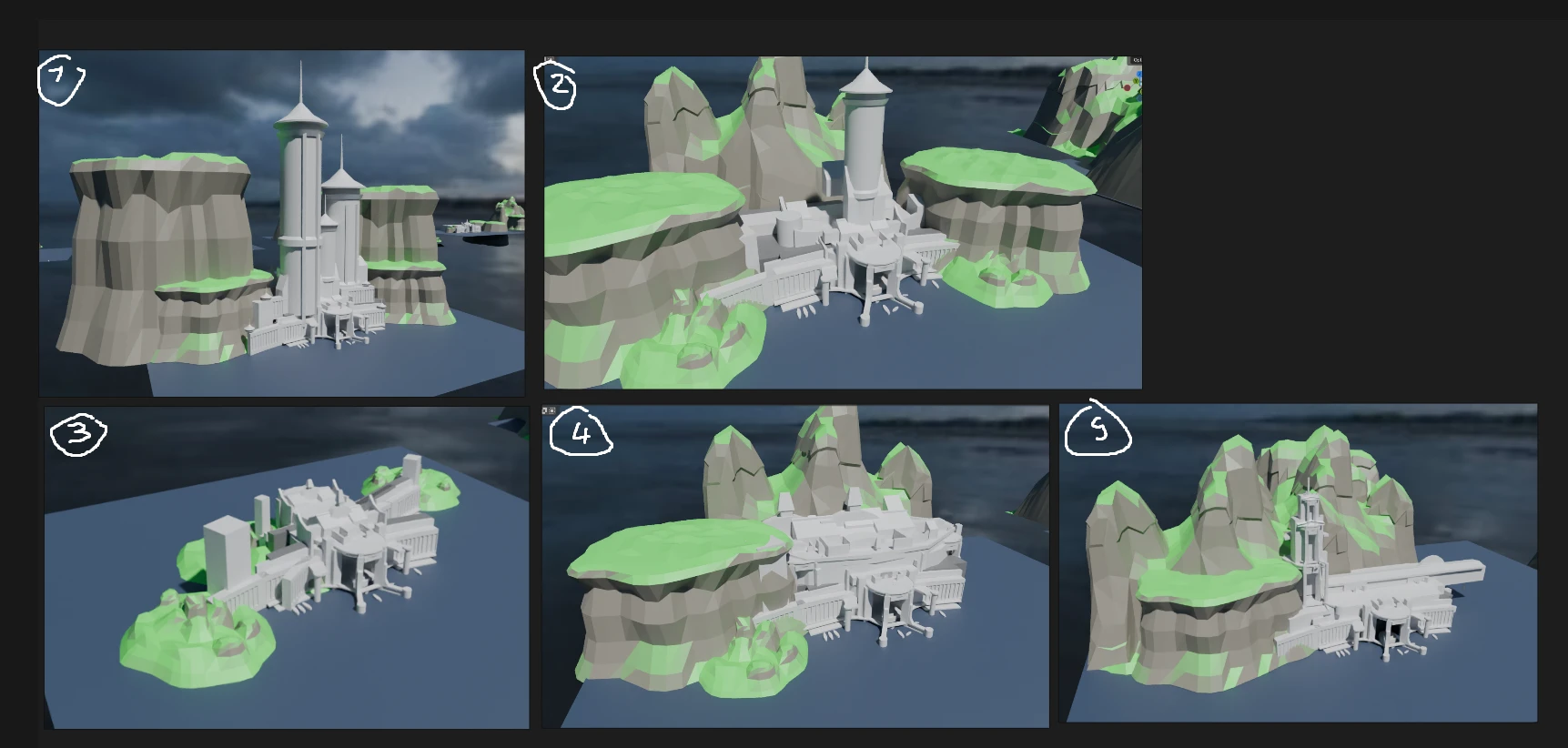
The curriculum focuses on tangible results. You’ll move systematically from abstract ideation to a 3D blockout to define the scale. You will learn how to add textures, set up the lighting and execute a professional paintover to create an atmospheric shot.

Key Takeaways:

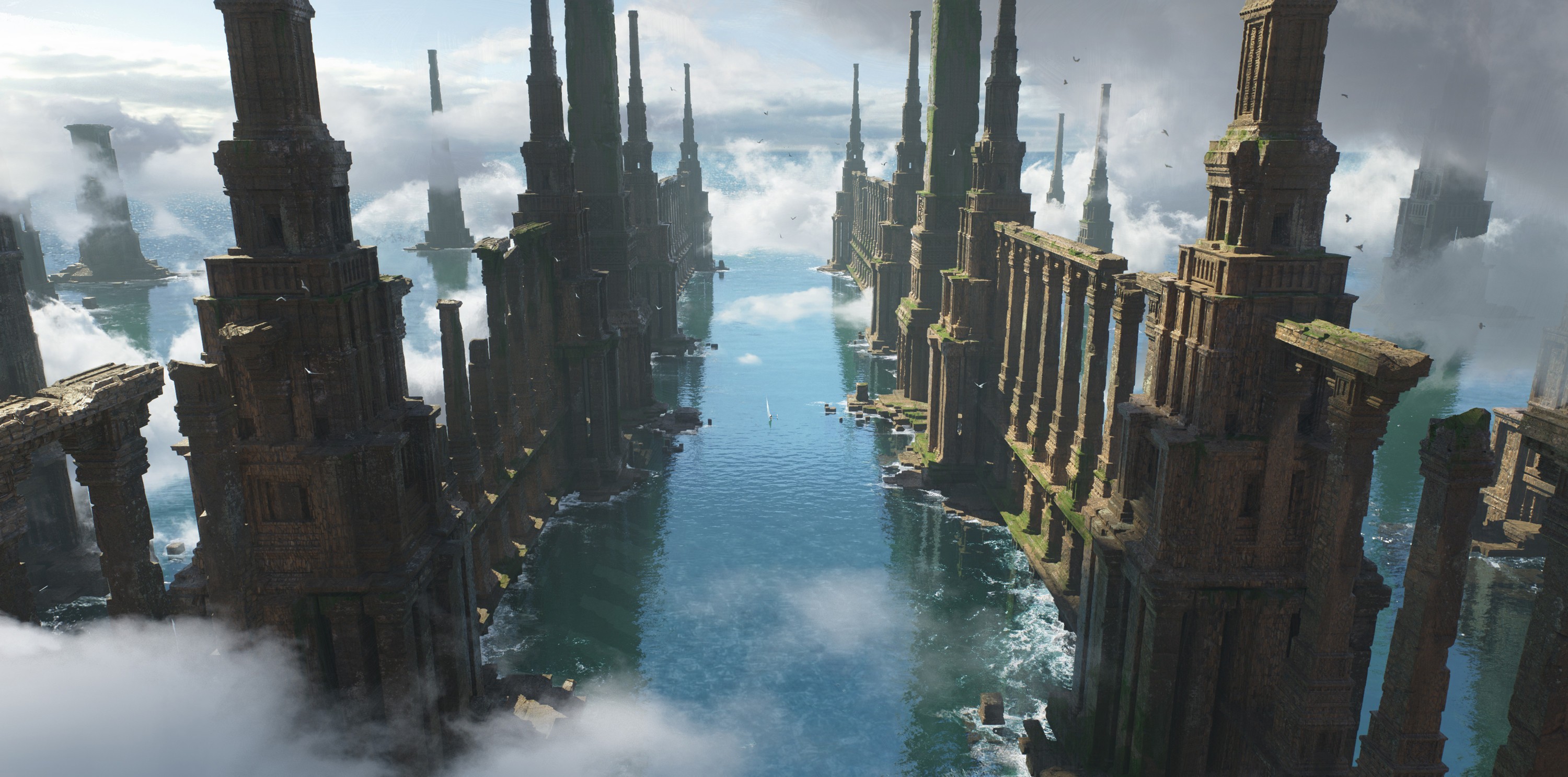
  • Mastering Rhythm: Learn to design architectural structures that flow visually, using repetition and scale to guide the viewer’s eye.

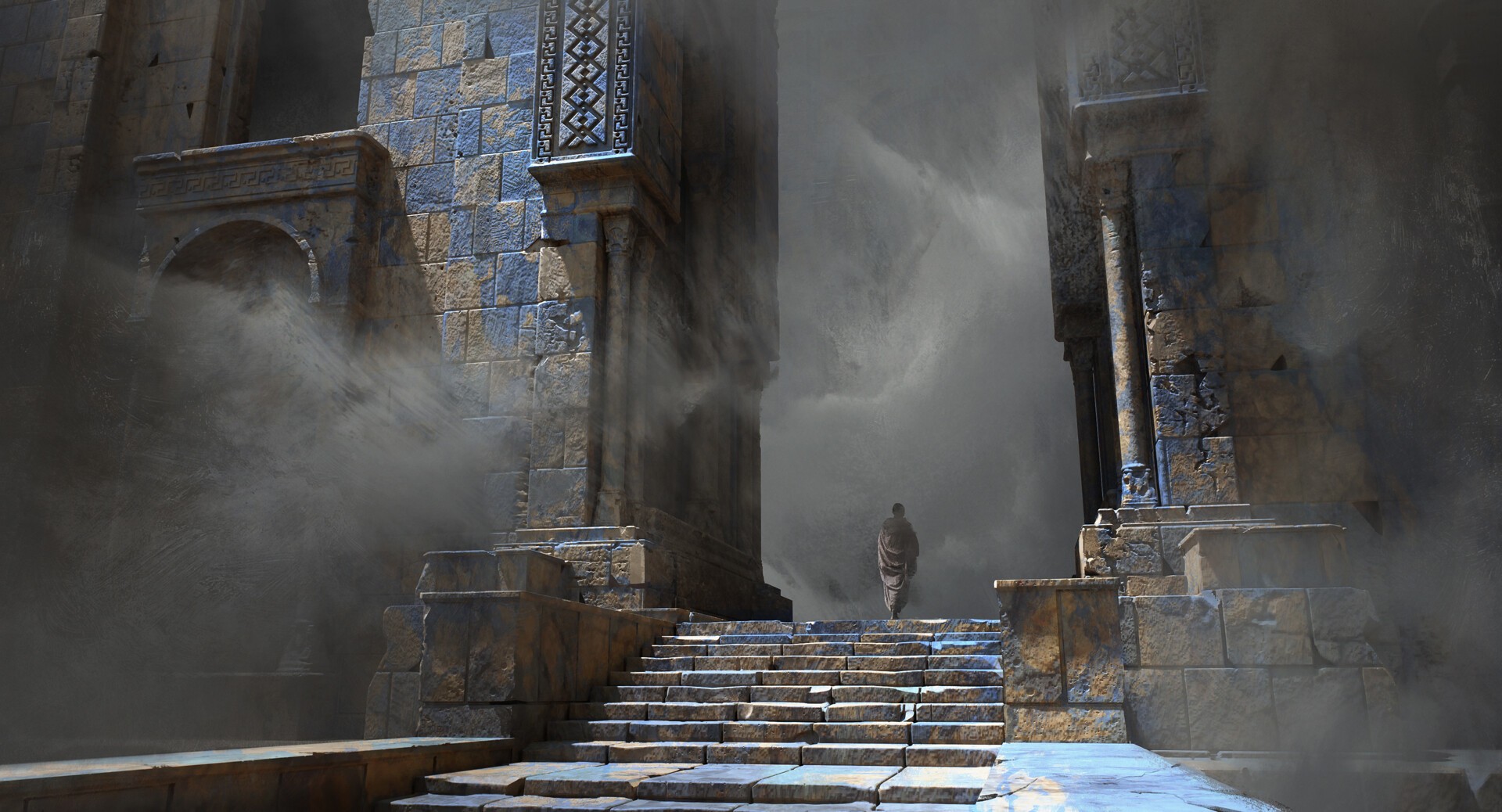
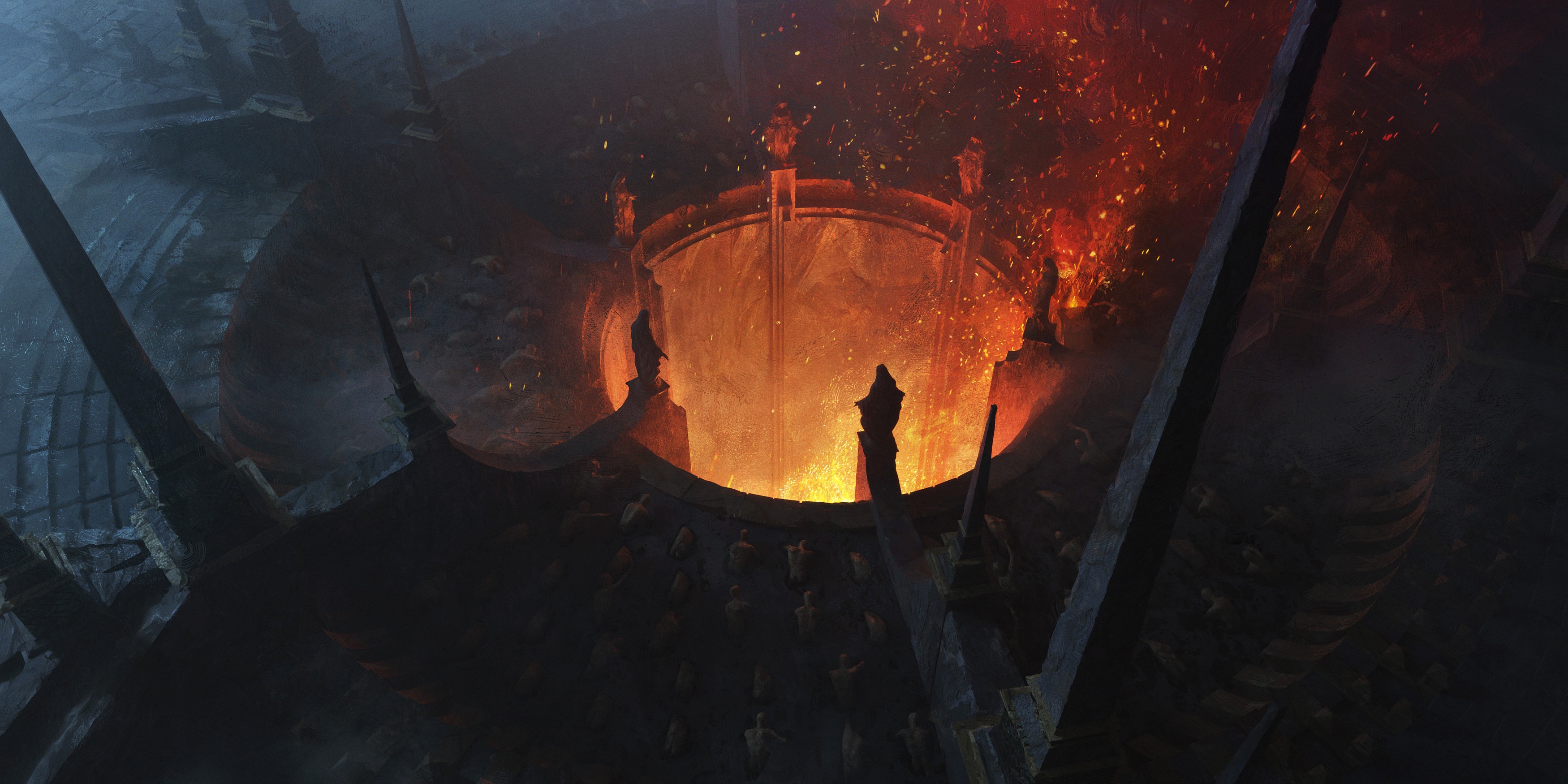
  • Atmosphere as a Tool: How to use fog, aerial perspective, and lighting not just for realism, but to sell the immense scale of your world.

  • The Art of the Paintover: Break the rigidity of 3D renders by integrating photo textures and brushwork to achieve a lush, painterly finish.

CHAPTERS

Course Structure
WEEK 1

February 19

Concept & Rhythm

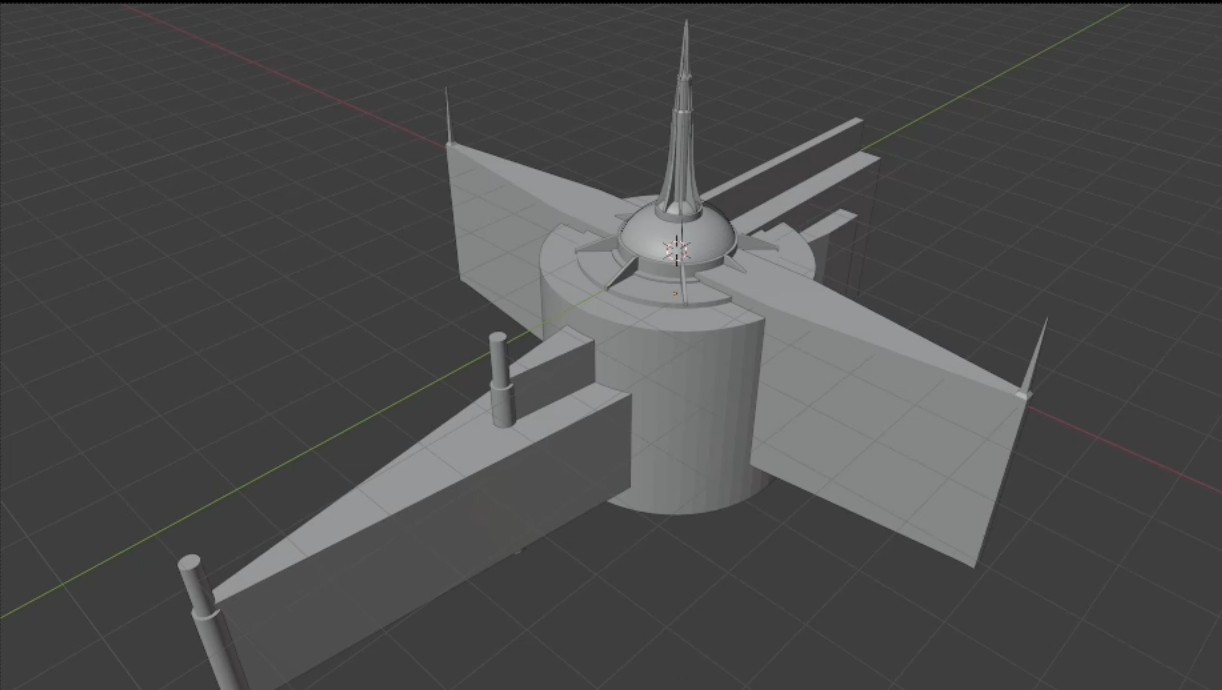
Great environments start with strong foundations. We begin by finding your core concept and moving immediately into 3D. You will learn to execute a 3D blockout to establish scale, focusing heavily on Design Rhythm to ensure your architecture flows visually before you ever touch a texture.

WEEK 1

February 19

Concept & Rhythm

Great environments start with strong foundations. We begin by finding your core concept and moving immediately into 3D. You will learn to execute a 3D blockout to establish scale, focusing heavily on Design Rhythm to ensure your architecture flows visually before you ever touch a texture.

WEEK 1

February 19

Concept & Rhythm

Great environments start with strong foundations. We begin by finding your core concept and moving immediately into 3D. You will learn to execute a 3D blockout to establish scale, focusing heavily on Design Rhythm to ensure your architecture flows visually before you ever touch a texture.

WEEK 2

February 26

Details, Light & Color

WEEK 2

February 26

Details, Light & Color

WEEK 2

February 26

Details, Light & Color

WEEK 3

March 5

Atmosphere & Materials

WEEK 3

March 5

Atmosphere & Materials

WEEK 3

March 5

Atmosphere & Materials

WEEK 4

March 12

The Render Pipeline

WEEK 4

March 12

The Render Pipeline

WEEK 4

March 12

The Render Pipeline

WEEK 5

March 19

The Art of Painting Over

WEEK 5

March 19

The Art of Painting Over

WEEK 5

March 19

The Art of Painting Over

WEEK 6

March 26

Final Touch & Presentation

WEEK 6

March 26

Final Touch & Presentation

WEEK 6

March 26

Final Touch & Presentation

MENTOR WORK

mentor portfolio
words from Quentin Mabille

My goal is to walk you through the creation of your own masterpiece, demystifying the process behind cinematic fantasy art. Many artists struggle to make their worlds feel truly vast; in this course, I will help you understand exactly how to attain that sense of monumental scale and intricate detail without getting overwhelmed.

We will build your image together, stage by stage. I will show you how to establish strong design rhythm in your 3D blockout so the foundation is solid, and then guide you through the painting over phase to bring it to life. By the end, you won't just have a render, you’ll have a world that feels ancient, lived-in, and complete.

- Quentin Mabille

Meet your mentor
Quentin Mabille

France

From

AMAZON GAMES

TERRAFORM

NETEASE

+4

Key details about this LIVE CLASS

Level

Intermediate

Duration

6 weeks

Language

English

Software used

Blender, Photoshop

Category

Environment Art

Start

Feb 19, 2026

Questions & Answers

Emilie offers 1-on-1 sessions focused on:

Is this course suitable for beginners?

Absolutely. Quentin will be there to help you along the way. He has prepared tons of video content and resources specifically to guide you, so even if you are just discovering Blender and concept art, you will have all the support you need to follow along.

What if I cannot attend the live session?

No problem! Whether you have a Spectator or Feedback ticket, you will have access to full, edited replays of every session on our website. The replays are cut and organized so you can watch them at your own pace and never miss a beat.

What is the "Live Class" format?

A Live Class is an interactive experience hosted on Discord. You will join a voice and video stream where Quentin Mabille teaches in real-time. You can chat with other students, ask questions in the text chat, and see the instructor’s screen as they work.

What is the difference between a Spectator and a Feedback ticket?

Spectator Ticket: Grants you access to watch the live sessions, participate in the text chat, access the private student Discord channel, and watch all course replays. Feedback Ticket: Includes everything in the Spectator tier, PLUS you will submit your homework weekly and receive direct, personal critiques and feedback from Quentin Mabille during the live sessions.

How do I access the class after purchasing?

Once you purchase your ticket, you will receive an invitation to our private ConceptCore Discord server. You will be given a specific role that grants you access to the private channels for Quentin's class where the live streams and community discussions happen.

What software do I need to follow this course?

This course focuses on the workflow between 3D and 2D. You should have: 3D Software: Blender (recommended for following the sculpting/blockout techniques shown). 2D Software: Photoshop (or equivalent) for the paint-over and finishing phases.

Is this course suitable for beginners?

Absolutely. Quentin will be there to help you along the way. He has prepared tons of video content and resources specifically to guide you, so even if you are just discovering Blender and concept art, you will have all the support you need to follow along.

What if I cannot attend the live session?

No problem! Whether you have a Spectator or Feedback ticket, you will have access to full, edited replays of every session on our website. The replays are cut and organized so you can watch them at your own pace and never miss a beat.

What is the "Live Class" format?

A Live Class is an interactive experience hosted on Discord. You will join a voice and video stream where Quentin Mabille teaches in real-time. You can chat with other students, ask questions in the text chat, and see the instructor’s screen as they work.

What is the difference between a Spectator and a Feedback ticket?

Spectator Ticket: Grants you access to watch the live sessions, participate in the text chat, access the private student Discord channel, and watch all course replays. Feedback Ticket: Includes everything in the Spectator tier, PLUS you will submit your homework weekly and receive direct, personal critiques and feedback from Quentin Mabille during the live sessions.

How do I access the class after purchasing?

Once you purchase your ticket, you will receive an invitation to our private ConceptCore Discord server. You will be given a specific role that grants you access to the private channels for Quentin's class where the live streams and community discussions happen.

What software do I need to follow this course?

This course focuses on the workflow between 3D and 2D. You should have: 3D Software: Blender (recommended for following the sculpting/blockout techniques shown). 2D Software: Photoshop (or equivalent) for the paint-over and finishing phases.

Is this course suitable for beginners?

Absolutely. Quentin will be there to help you along the way. He has prepared tons of video content and resources specifically to guide you, so even if you are just discovering Blender and concept art, you will have all the support you need to follow along.

What if I cannot attend the live session?

No problem! Whether you have a Spectator or Feedback ticket, you will have access to full, edited replays of every session on our website. The replays are cut and organized so you can watch them at your own pace and never miss a beat.

What is the "Live Class" format?

A Live Class is an interactive experience hosted on Discord. You will join a voice and video stream where Quentin Mabille teaches in real-time. You can chat with other students, ask questions in the text chat, and see the instructor’s screen as they work.

What is the difference between a Spectator and a Feedback ticket?

Spectator Ticket: Grants you access to watch the live sessions, participate in the text chat, access the private student Discord channel, and watch all course replays. Feedback Ticket: Includes everything in the Spectator tier, PLUS you will submit your homework weekly and receive direct, personal critiques and feedback from Quentin Mabille during the live sessions.

How do I access the class after purchasing?

Once you purchase your ticket, you will receive an invitation to our private ConceptCore Discord server. You will be given a specific role that grants you access to the private channels for Quentin's class where the live streams and community discussions happen.

What software do I need to follow this course?

This course focuses on the workflow between 3D and 2D. You should have: 3D Software: Blender (recommended for following the sculpting/blockout techniques shown). 2D Software: Photoshop (or equivalent) for the paint-over and finishing phases.

$256

$256

BUY NOW

BUY NOW

Spectator Tickets
Spectator Tickets

$256

BUY NOW

BUY NOW

Spectator Tickets

ConceptCore 2026

We believe in learning from the source. ConceptCore connects you directly with working professionals to learn the messy, complex, and real process of creating art. No gatekeeping, just the actual workflows used in studios today.

Contact us

info@conceptcore.co

FOLLOW US

© 2026 Conceptcore - All rights reserved

made with love by

ConceptCore 2026

We believe in learning from the source. ConceptCore connects you directly with working professionals to learn the messy, complex, and real process of creating art. No gatekeeping, just the actual workflows used in studios today.

Contact us

info@conceptcore.co

FOLLOW US

© 2026 Conceptcore - All rights reserved

made with love by

ConceptCore 2026

We believe in learning from the source. ConceptCore connects you directly with working professionals to learn the messy, complex, and real process of creating art. No gatekeeping, just the actual workflows used in studios today.

Contact us

info@conceptcore.co

FOLLOW US

© 2026 Conceptcore - All rights reserved

made with love by